Radical Technologies
uncategorised
★★★★★
(2,095 ratings)  50,000+ Student

ORACLE DATABASE 11g PERFORMANCE TUNING TRAINING IN KOCHI

Students learn how to use Oracle Database 11g automatic tuning features such as SQL Tuning Advisor, SQL Access Advisor, Automatic Workload Repository and Automatic Database Diagnostic Monitor, and practice these tuning methods. The course focuses on the tuning tasks expected of a DBA: reactive tuning of SQL statements, maintaining SQL statement performance, and tuning the Oracle Database Instance components. Throughout the course, students practice the art of tuning an Oracle Instance through a series of workshops. The methodology is practiced in the workshops rather than taught. This course does not address partition tuning, materialized views, or RAC specific issues as they are covered in courses specifically for these products.
RT
Radical Technologies
50,000+ English 10 weeks Weekdays / Weekends Classroom / Online / Corporate
ORACLE DATABASE 11g PERFORMANCE TUNING TRAINING IN KOCHI
Online / Classroom

ORACLE DATABASE 11g PERFORMANCE TUNING TRAINING IN KOCHI

IT Training Programme

Duration 10 weeks
Batch Type Weekdays / Weekends
Mode of Training Classroom / Online / Corporate
Locations Pune, Bangalore, Kochi
Language English
Certification Globally Recognized
Call Now

100% placement assistance

Enquire Now

Get course fees, batch dates & a callback

We never share your details.

What you'll learn

Understand core concepts and architecture from the ground up
Get hands-on with the tools used by working professionals
Build real-world projects you can add to your portfolio
Learn industry best practices and coding standards
Practice with real datasets and real-world scenarios
Prepare for certification and technical interviews
Work on collaborative, team-based exercises
Apply performance tuning and optimization techniques
Understand how the technology fits into a larger ecosystem
Complete assignments reviewed by mentors

Programme Overview

17 sections covering the complete curriculum — a single, progressive learning arc.

10 weeks
Training Duration
17
Core Modules
137
Total Lessons
4.9★
Average Rating
50K+
Students Trained
01

Foundations & Core Concepts

Get hands-on with the fundamentals and architecture — the building blocks for everything that follows.

Fundamentals Architecture Setup
02

Hands-On Practical Training

Work through real exercises and assignments designed to mirror what you will do on the job.

Practicals Assignments Labs
03

Real-World Projects

Apply what you have learned to end-to-end projects that go straight into your portfolio.

Projects Portfolio Case Studies
04

Advanced Techniques

Go beyond the basics with advanced concepts, integrations and production-grade practices.

Advanced Integration Best Practices
05

Ecosystem Integration

Understand how this technology connects with the broader tools and platforms used in the industry.

Ecosystem Tools Platforms
06

Performance & Interview Prep

Master optimization techniques and prepare for the technical interview questions employers actually ask.

Optimization Interview Prep Certification

Who is this programme for?

Whether you're already writing code, working with data, or supporting applications today — this programme is built to take you into a uncategorised role.

Software Developers

Engineers who want to add this skill set to their toolkit

Analysts & Consultants

Professionals moving into a more technical, hands-on role

IT Professionals

System admins and support engineers upskilling into a new domain

Fresh Graduates

CS/IT graduates aiming for a job-ready technical role

Course Curriculum

17 sections  •  137 lessons  •  10 weeks

01 Introduction / Monitoring With Basic Tools

Introduction

Tuning Questions
Who tunes
What to tune
How to tune

Monitoring With Basic Tools

Monitoring tools overview
Enterprise Manager
V$ views, Statistics and Metrics
Wait Events
Time Model: Overview
02 Using Automatic Workload Repository / Identifying the Problem

Using Automatic Workload Repository

Automatic Workload Repository: Overview
Automatic Workload Repository Data
Database Control and AWR
Generating AWR Reports in SQL*Plus

Identifying the Problem

Tuning Life Cycle Phases
Identify a Tuning Issue
Remedy one problem
03 Identifying Problem SQL Statements / Influencing the Optimizer

Identifying Problem SQL Statements

Characteristics of a bad SQL statement
Role of the Optimizer
Generate explain plan
Access Paths Choices
Trace the execution

Influencing the Optimizer

Manage Optimizer Statistics
Calibrate I/O
Optimizer Cost
Changing Optimizer Behavior
04 SQL Plan Management / Change Management

SQL Plan Management

Automatic Maintenance Tasks
SQL Profiles
SQL Access Advisor
SQL Outlines
SQL Plan Baselines

Change Management

Types of changes
SQL Performance Analyzer
DB Replay
Server-Generated Alerts
05 Using Metrics and Alerts / Using AWR Based Tools

Using Metrics and Alerts

Benefits of Metrics
Database Control Usage Model
User-Defined SQL Metrics

Using AWR Based Tools

Automatic Maintenance Tasks
Using ADDM
Using Active Session History
Historical Data View
06 Monitoring an Application (Using Services) / Baselines

Monitoring an Application (Using Services)

Service Overview
Managing Service
Service Aggregation and Tracing
Tracing Your Session

Baselines

Working with Metric Baselines
Setting Adaptive Alert Thresholds
Configuring Normalization Metrics
07 Tuning the Shared Pool / Tuning the Buffer Cache

Tuning the Shared Pool

Shared Pool Operation
Mutex
Statspack/AWR Indicators
Library Cache Activity
Diagnostic Tools
UGA and Oracle Shared Server
Large Pool

Tuning the Buffer Cache

Architecture
Tuning Goals and Techniques
Symptoms
Solutions
08 Tuning PGA and Temporary Space / Automatic Memory Management

Tuning PGA and Temporary Space

Monitoring SQL Memory Usage
Temporary Tablespace Management

Automatic Memory Management

Automatic Memory Management Architecture
Dynamic SGA Feature
Managing Automatic Memory Management
09 Tuning Block Space Usage / Tuning I/O

Tuning Block Space Usage

Space Management
Extent Management
Anatomy of a Database Block
Block Space Management

Tuning I/O

I/O Architecture
Striping and Mirroring
Using RAID
I/O Diagnostics
Using Automatic Storage Management
10 Performance Tuning: Summary / Using Statspack

Performance Tuning: Summary

Important Initialization Parameters with Performance Impact
Database High Availability: Best Practices
Tablespace: Best Practices
Statistics Gathering

Using Statspack

Introduction to Statspack
Capturing Statspack Snapshots
Reporting with Statspack
Statspack considerations
Statspack and AWR
11 OBJECTIVE / Prerequisites / AUDIENCE

OBJECTIVE

Use Database Statistics and Metrics to identify a performance problem
Interpret Tuning diagnostics
Identify and eliminate performance issues
Set tuning priorities and strategies
Identify problem SQL statements
Influence the optimizer

Prerequisites

Oracle Database 11g: Administration Workshop I Release 2
Oracle Database 11g: Administration Workshop II Release 2

Suggested Next Courses:

Oracle Database 11g: SQL Tuning Workshop Release 2
Oracle Database 11g: SQL Tuning Workshop[schema type=”review” url=”http://www.justdial.com/Pune/Radical-Technologies-%3Cnear%3E-Above-Paramar-Hospital-Building-Near-Parihar-Chowk-Aundh/020PXX20-XX20-120821183602-V3S2_BZDET#rvw” name=”Latest Review” description=”Training Duration : 8 weekends” rev_name=”Oracle DBA Performance Tuning done from Radical Technologies” rev_body=”I have done RAC and Performance Tuning class of oracle DBA here under training of Paritosh Sule sir . It helped me a lot in my career. Paritosh sir has very vast experience of oracle DBA area. I would recommend to Join all Oracle DBA courses conducted by Radical Institute to improve your technical skills.” author=”Akshay Mane” pubdate=”2015-12-02″ user_review=”5″ min_review=”1″ max_review=”5″ ]

AUDIENCE

Support Engineer
Database Administrators
Technical Consultant
12 L1 Tasks
1. Basic user account management (creating, modifying, and deleting users).
2. Password resets and account unlocks.
3. Basic file system navigation and management (creating, deleting, and modifying files and directories).
4. Basic troubleshooting of network connectivity issues.
5. Basic software installation and package management (installing and updating software packages).
6. Viewing system logs and checking for errors or warnings.
7. Running basic system health checks (CPU, memory, disk space).
8. Restarting services or daemons.
9. Monitoring system performance using basic tools (top, df, free).
10. Running basic commands to gather system information (uname, hostname, ifconfig).
13 L2 Tasks
1. Intermediate user account management (setting permissions, managing groups).
2. Configuring network interfaces and troubleshooting network connectivity issues.
3. Managing file system permissions and access control lists (ACLs).
4. Performing backups and restores of files and directories.
5. Installing and configuring system monitoring tools (Nagios, Zabbix).
6. Analyzing system logs for troubleshooting purposes.
7. Configuring and managing software repositories.
8. Configuring and managing system services (systemd, init.d).
9. Performing system updates and patch management.
10. Monitoring and managing system resources (CPU, memory, disk I/O).
14 L3 Tasks
1. Advanced user account management (LDAP integration, single sign-on).
2. Configuring and managing network services (DNS, DHCP, LDAP).
3. Configuring and managing storage solutions (RAID, LVM, NFS).
4. Implementing and managing security policies (firewall rules, SELinux).
5. Implementing and managing system backups and disaster recovery plans.
6. Configuring and managing virtualization platforms (KVM, VMware).
7. Performance tuning and optimization of system resources.
8. Implementing and managing high availability solutions (clustering, load balancing).
9. Automating system administration tasks using scripting (Bash, Python).
10. Managing system configurations using configuration management tools (Ansible, Puppet).
15 L1-L2 Transition Tasks
1. Learning basic shell scripting for automation tasks. 2. Understanding file system permissions and ownership. 3. Learning basic networking concepts (IP addressing, routing). 4. Learning how to use package management tools effectively. 5. Familiarizing with common Linux commands and utilities. 6. Understanding basic system architecture and components. 7. Learning basic troubleshooting techniques and methodologies. 8. Familiarizing with basic security principles and best practices. 9. Learning how to interpret system logs and diagnostic output. 10. Understanding the role and importance of system backups and restores.
16 L2-L3 Transition Tasks
1. Advanced scripting and automation techniques (error handling, loops).
2. Understanding advanced networking concepts (VLANs, subnetting).
3. Familiarizing with advanced storage technologies (SAN, NAS).
4. Learning advanced security concepts and techniques (encryption, PKI).
5. Understanding advanced system performance tuning techniques.
6. Learning advanced troubleshooting methodologies (root cause analysis).
7. Implementing and managing virtualization and cloud technologies.
8. Configuring and managing advanced network services (VPN, IDS/IPS).
9. Implementing and managing containerization technologies (Docker, Kubernetes).
10. Understanding enterprise-level IT governance and compliance requirements.
17 L3 Tasks and Beyond
1. Designing and implementing complex IT infrastructure solutions. 2. Architecting and implementing highly available and scalable systems. 3. Developing and implementing disaster recovery and business continuity plans. 4. Conducting security audits and vulnerability assessments. 5. Implementing and managing advanced monitoring and alerting systems. 6. Developing custom automation solutions tailored to specific business needs. 7. Providing leadership and mentorship to junior team members. 8. Collaborating with other IT teams on cross-functional projects. 9. Evaluating new technologies and making recommendations for adoption. 10. Participating in industry conferences, workshops, and training programs.

Tools & Technologies

Every tool listed here is installed, configured and used in a hands-on lab session.

Core Tools

Hands-On Labs

Practical Environment

Industry-Standard Tools

Real-World Setup

Guided Exercises

Skill Building

Sample Datasets

Practice Material

Practice & Projects

Mini Projects

Applied Practice

Assignments

Mentor Reviewed

Doubt Sessions

Live Support

Career Readiness

Resume Building

Career Support

Mock Interviews

Interview Prep

Certification Prep

Global Recognition

Deployment & Delivery

Production Practices

Real-World Ready

Best Practices

Industry Standards

137+
Hands-On Lessons
17
Core Modules
10 weeks
Training Duration
100%
Practical Training

You don't just learn ORACLE DATABASE 11g PERFORMANCE TUNING TRAINING IN KOCHI. You ship it.

Three major projects, each mirroring how production teams actually work — from guided foundations to a portfolio-ready capstone.

PROJECT // 01

Guided Foundation Project

→Requirement Analysis

→Guided Implementation

→Mentor Review

→Iteration

Foundation Beginner

Apply the fundamentals in a structured, mentor-reviewed project

Take the core concepts from the first half of the curriculum and apply them to a realistic scenario, with guidance and feedback from your mentor at every step.

Structured project brief
Step-by-step implementation
Mentor feedback and review
Documented outcome
Stack Core Concepts Best Practices
PROJECT // 02

Applied Practice Project

→Scenario Design

→Independent Build

→Testing & Validation

→Peer Review

Applied Intermediate

Build a more independent project mirroring real production scenarios

Work through a project that combines multiple concepts from the curriculum, closer to how work is actually structured on the job — less hand-holding, more ownership.

End-to-end implementation
Testing and validation
Documentation
Peer/mentor review
Stack Applied Skills Testing
PROJECT // 03

Capstone Project

→Planning

→End-to-End Build

→Review & Refinement

→Presentation

Capstone Advanced

Take a project from requirements to a polished, portfolio-ready deliverable

Your final project — plan, build, test and present a complete solution using everything covered in the curriculum, reviewed by mentors before you graduate.

Complete working solution
Presentation-ready documentation
Mentor sign-off
Portfolio-ready deliverable
Stack Full Curriculum Portfolio

All 3 projects go directly into your portfolio & resume — reviewed by mentors before you graduate.

See Sample Project Reports

Upcoming Batches

No upcoming batches scheduled right now. Enquire to get notified.

Why Radical Technologies

Live Online Training
  • Highly practical oriented training
  • Installation support on your system
  • 24/7 Email and Phone support
  • 100% Placement Assistance
  • Global Certification Preparation
  • Trainer-Student Interactive Portal
  • Assignments and Projects by Mentors
Live Classroom Training
  • Weekend / Weekdays / Morning / Evening batches
  • 80:20 Practical and Theory ratio
  • Real-life Case Studies
  • Easy make-up for missed sessions
  • PSI | Kryterion | Redhat Test Centers
  • Lifetime Video Classroom Access (coming soon)
  • Resume Prep and Mock Interviews
Self-Paced Training
  • Learn 300+ courses at your own time
  • 50,000+ Satisfied Learners
  • Course Completion Certificate
  • Practical Labs available
  • Mentor Support available
  • Doubt Clearing Session available
  • 10% Discounted Global Certification

Like the Curriculum? Let's Get Started

Join 50,000+ students already enrolled at Radical Technologies

Enroll Now

Global Certification

Radical Technologies is the leading IT certification institute in Kochi, offering globally recognized certifications across various domains. With expert trainers and comprehensive materials, we ensure students gain in-depth knowledge and hands-on experience to excel in their careers. Our certification programs are tailored to meet industry standards — from cloud technologies to data science — empowering individuals to stay ahead in the ever-evolving tech landscape.
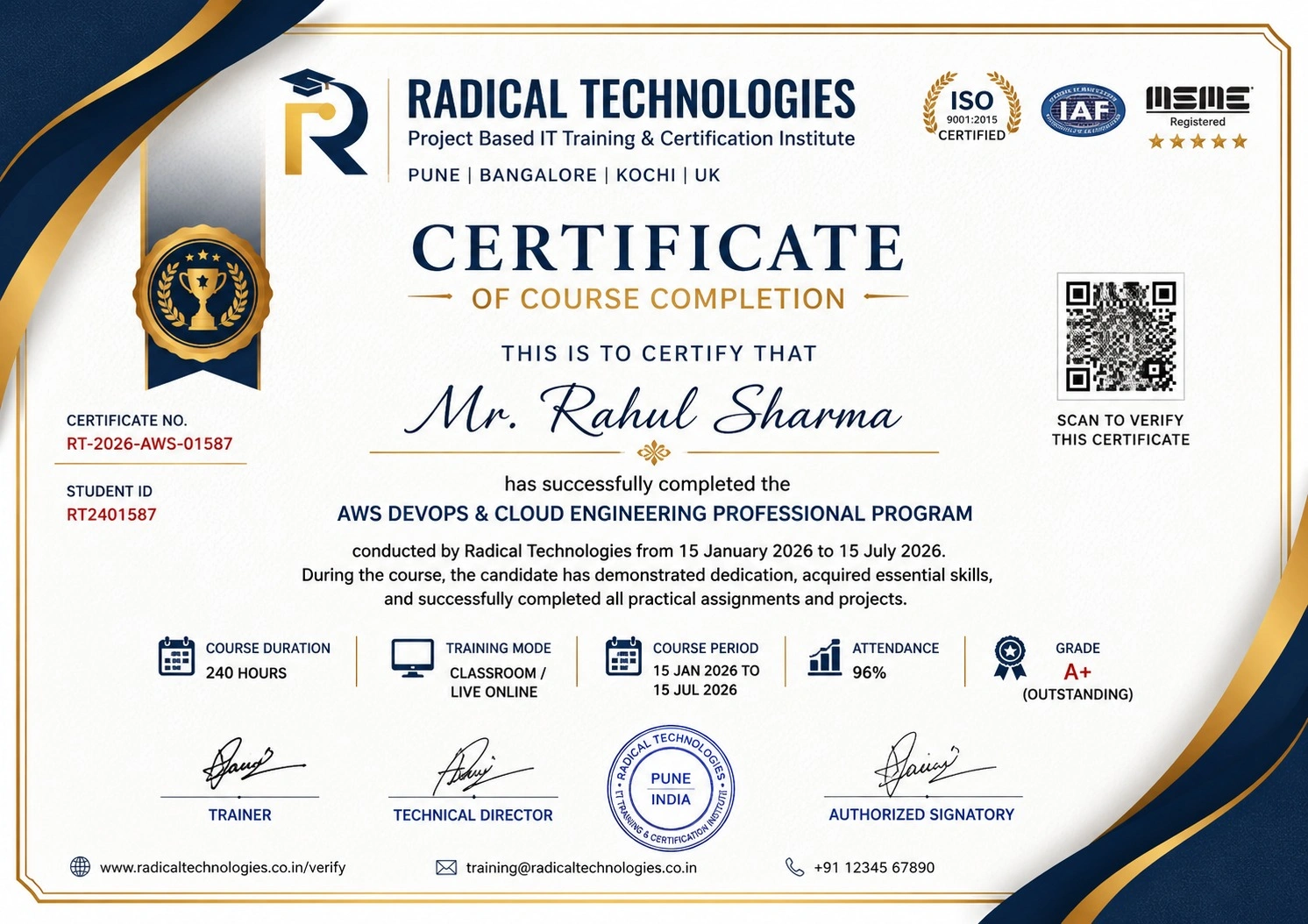
Certificate of Completion

Career Services

At Radical Technologies, we are committed to your success beyond the classroom. Our 100% Job Assistance program ensures that you are not only equipped with industry-relevant skills but also guided through the job placement process. With personalised resume building, interview preparation, and access to our extensive network of hiring partners, we help you take the next step confidently into your IT career.

Career Support

Course Completed? Need next steps?
Need Interview Supports?
Need Job Assistance?
Came from any other Institute?

Join our Brush-up Session & get support until you find a job!

Get Started

Radical Learning Eco-System

Exam Simulator

Cloud SandBox

Hands-on Cloud Lab

Developer Coding Ground

Student Reviews

4.9★
Average learner rating
50K+
Students trained
30+
Hiring companies alumni work at
100%
Placement assistance
4.9
★★★★★

Course Rating

★★★★★
92%
★★★★☆
7%
★★★☆☆
1%
★★☆☆☆
0%
★☆☆☆☆
0%

Our Alumni Work At
Accenture
Amazon
Avisys Services
Birlasoft
Capgemini
Catchpoint
Cognizant
Darwish Cybertech
DataVision
GiBots
Google
Groots Software
HCL Technologies
IBM
Info Gain
Infosys
ITCube Solutions
KPIT
L&T Infotech
Microsoft
Mphasis
mPhatek
Oracle
Quantbit Technologies
Saina Cloud
TCS
Tech Mahindra
Wipro
YASH Technologies
Zensar Technologies

ORACLE DATABASE 11g PERFORMANCE TUNING TRAINING IN KOCHI

Get a Call Back from Our Career Assistance Team

Request Callback